

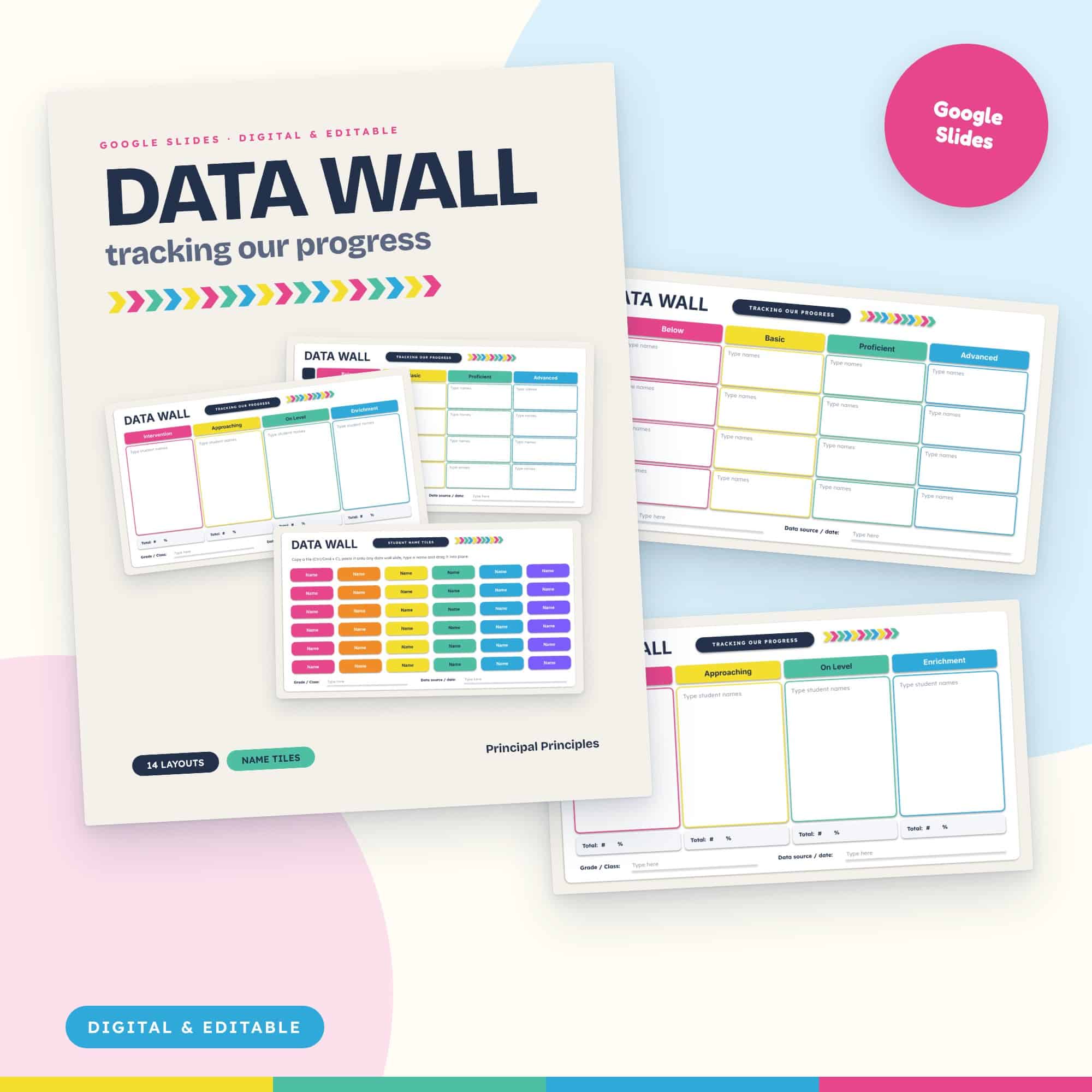
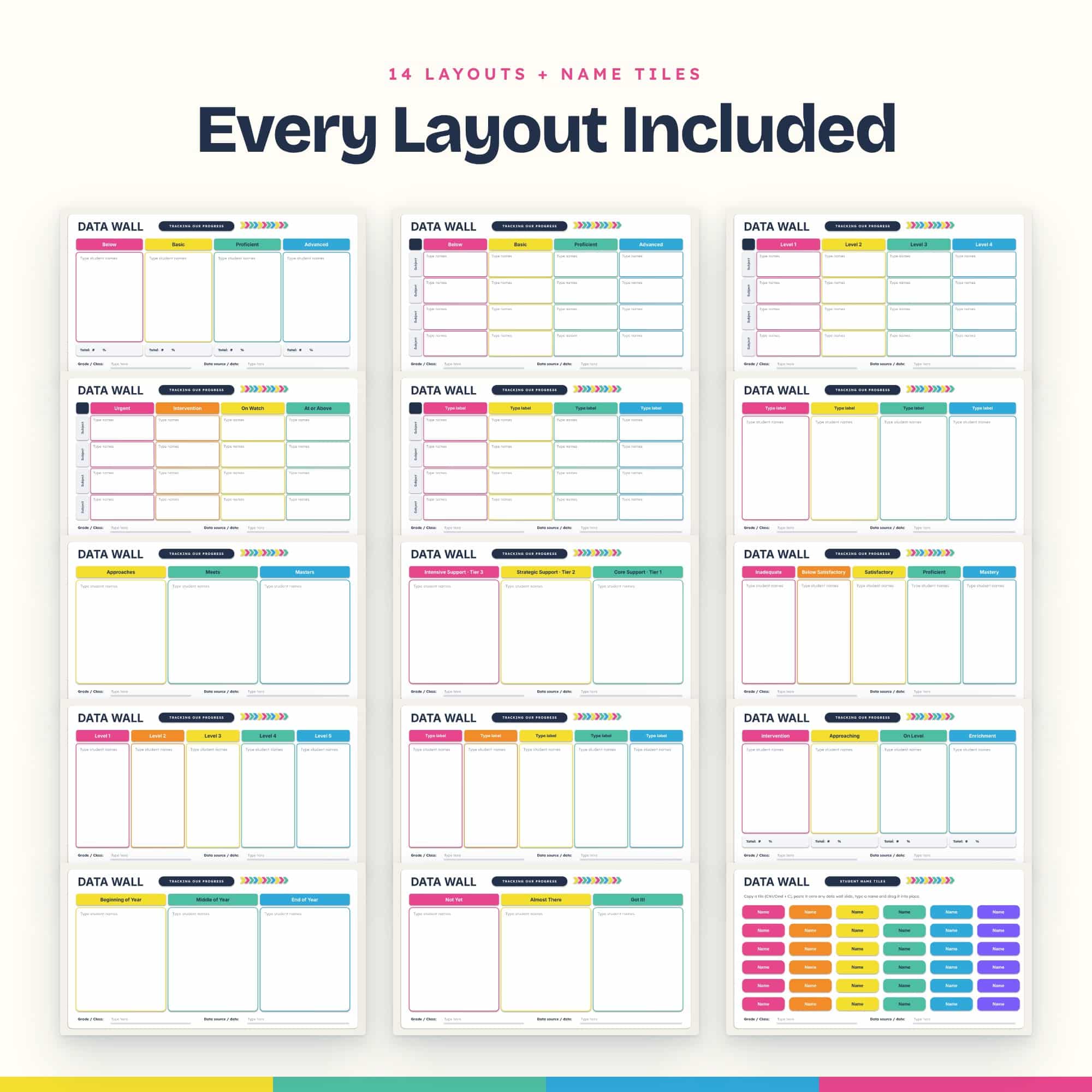
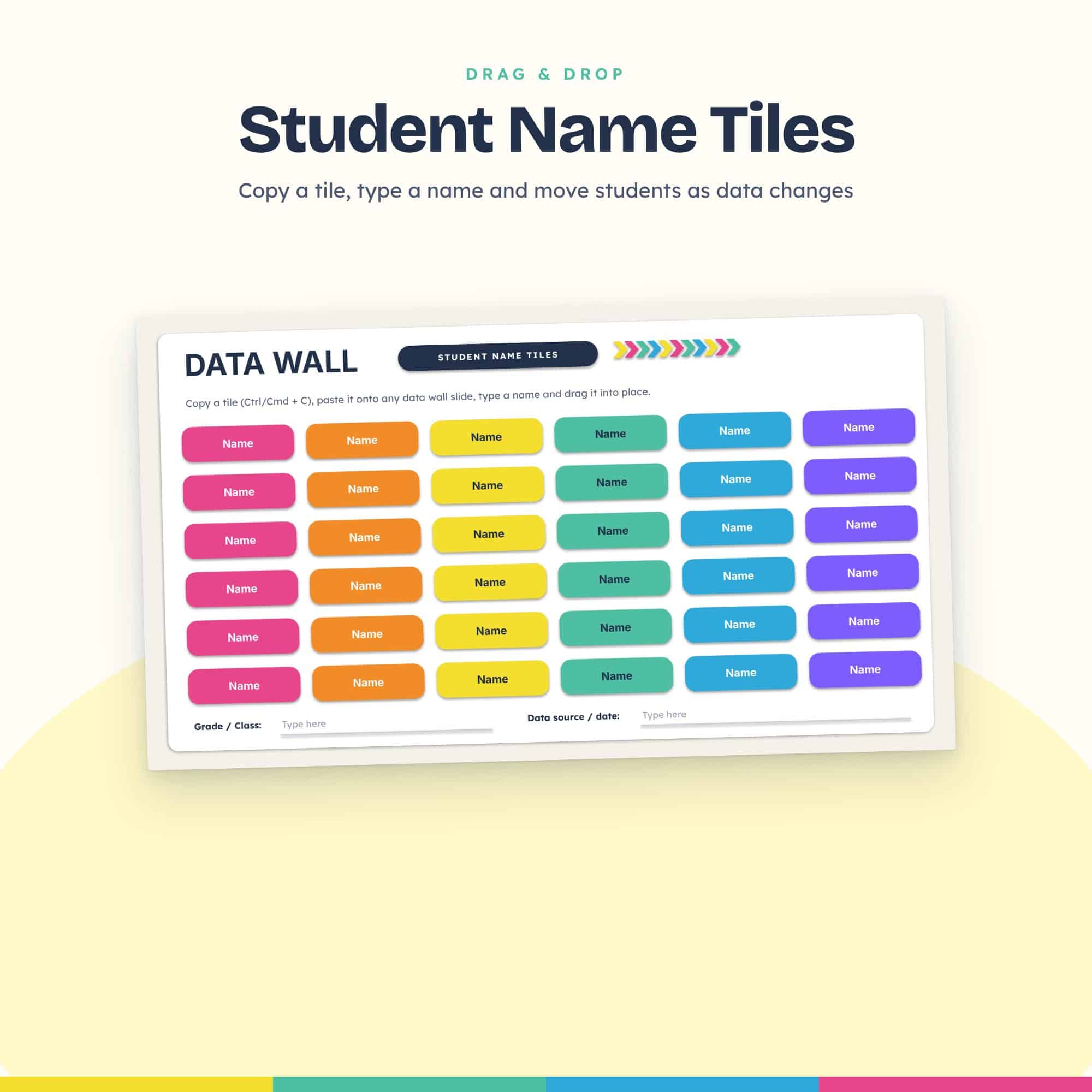
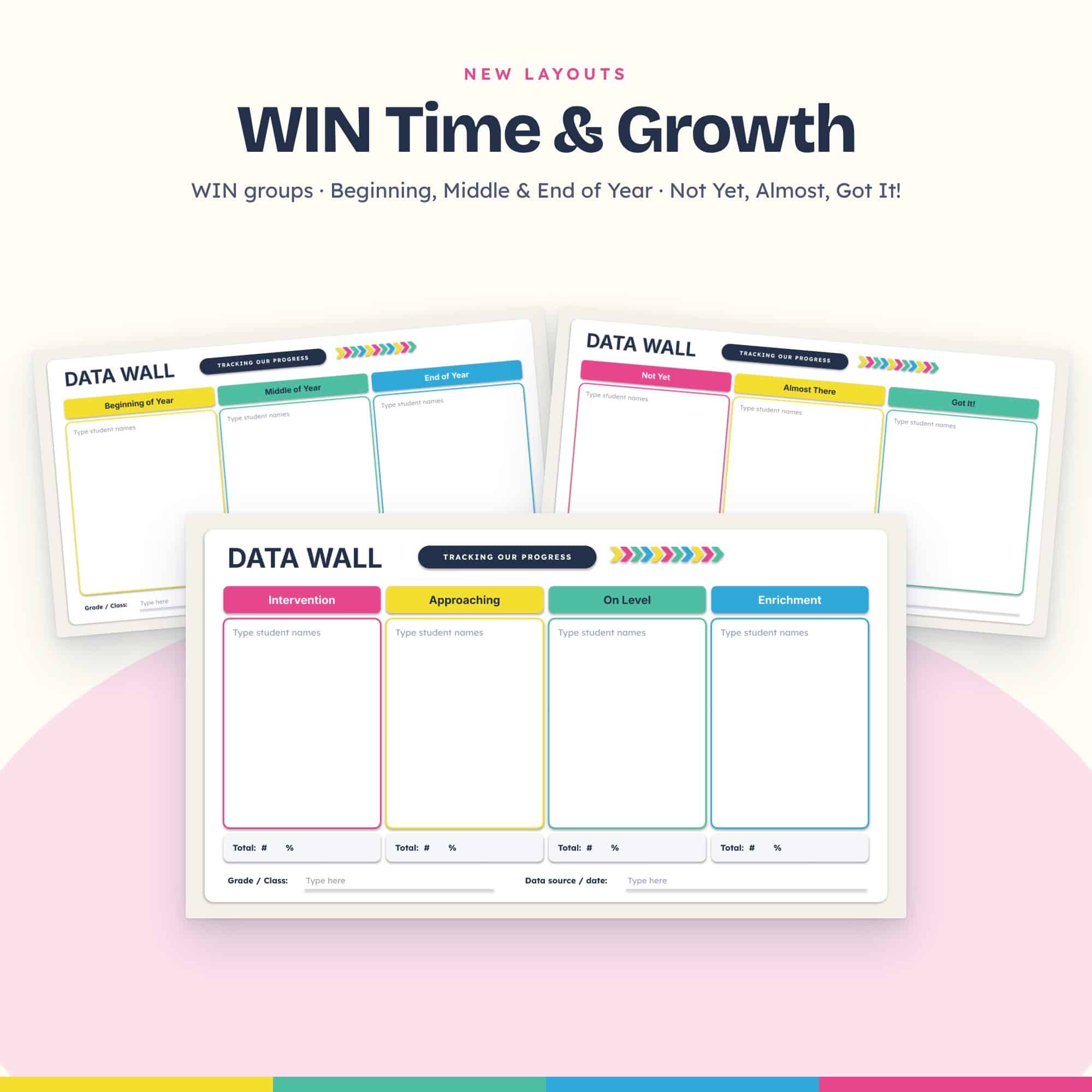
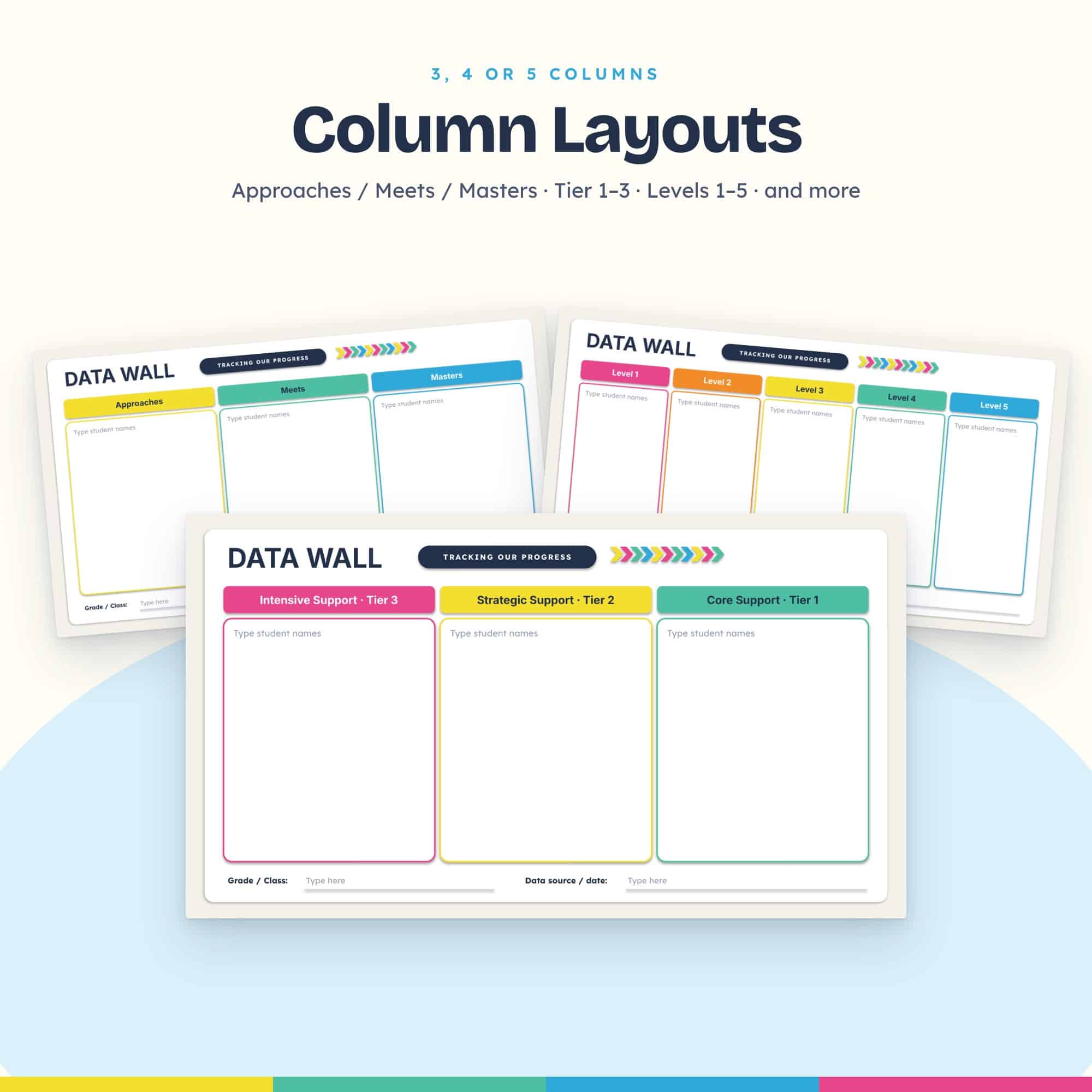
Track student progress without paper, sticky notes, or a bulletin board. This digital data wall comes as a PowerPoint file you upload to Google Drive, where it becomes a fully editable Google Slides data wall you can update in seconds, open anywhere, and share with your team. It includes 14 bright, color-coded layouts plus drag-and-drop student name tiles you can move as your data changes.
✔ 14 editable layouts
✔ Drag-and-drop name tiles
✔ Works in Google Slides or PowerPoint
✔ Instant digital download
$8.00
Paper data walls are hard to update, take up wall space, and put student data where everyone can see it. This digital version fixes all three.
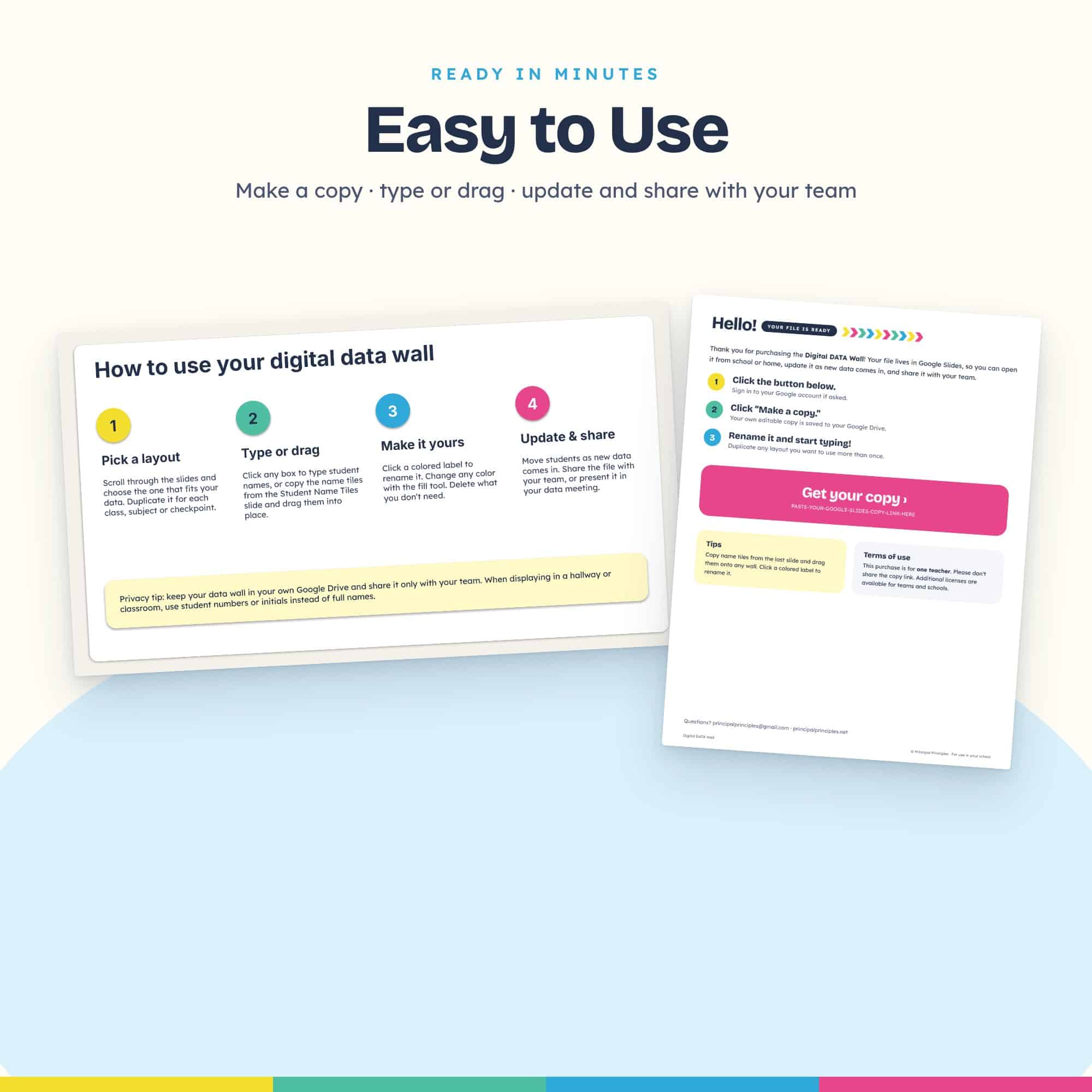
Choose a layout, type student names or drag in name tiles, and move students as new data comes in. Once it’s uploaded to your Google Drive, your data wall is private, always up to date, and ready for your next data meeting or PLC.
Performance-level layouts
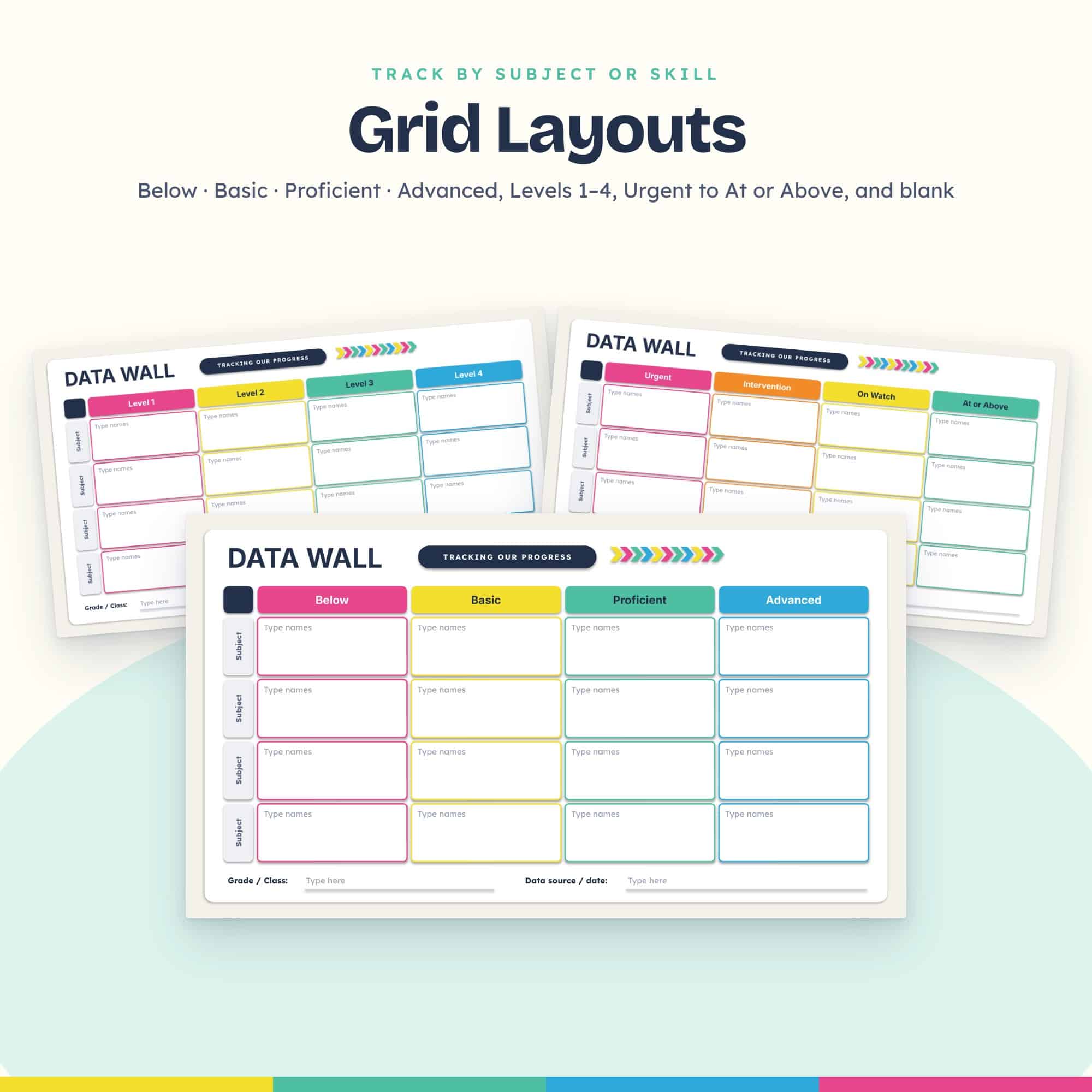
Grid layouts (track by subject, skill or class)
MTSS & growth layouts
Blank 4- and 5-column layouts for anything else you track
Plus
✔ Update in seconds. Just drag a student to a new column.
✔ Private. It stays in your Google Drive instead of on a hallway wall.
✔ Color-coded. See who needs support at a glance.
✔ Fully editable. Rename any label, change colors, and duplicate slides.
✔ Great for data meetings. Present it on screen or share it with your team.
Classroom teachers · Grade-level teams · Instructional coaches · Interventionists · Principals · MTSS / RTI teams
To use it in Google Slides: upload the PowerPoint to Google Drive, then open it with Google Slides. It takes about a minute, and the Getting Started guide walks you through it. You can also open and edit it directly in PowerPoint.
This purchase is for use by one teacher. Please don’t share the file with others. Additional licenses are available for teams and schools.




Reviews
There are no reviews yet.